
See CareHub from every side
A complete CareHub with realistic, entirely fictional data. Sign in as the owner, a coordinator, a support worker or a family member and try everything.
The demo is open to invited people only. You need a personal access code.
Three steps
Get your access code
Request access and we'll send you a personal access code and the demo password. Codes are personal and can be withdrawn at any time.
Open the demo
Enter your code once. Your browser remembers it for 30 days, on a computer or a phone.
Choose a role
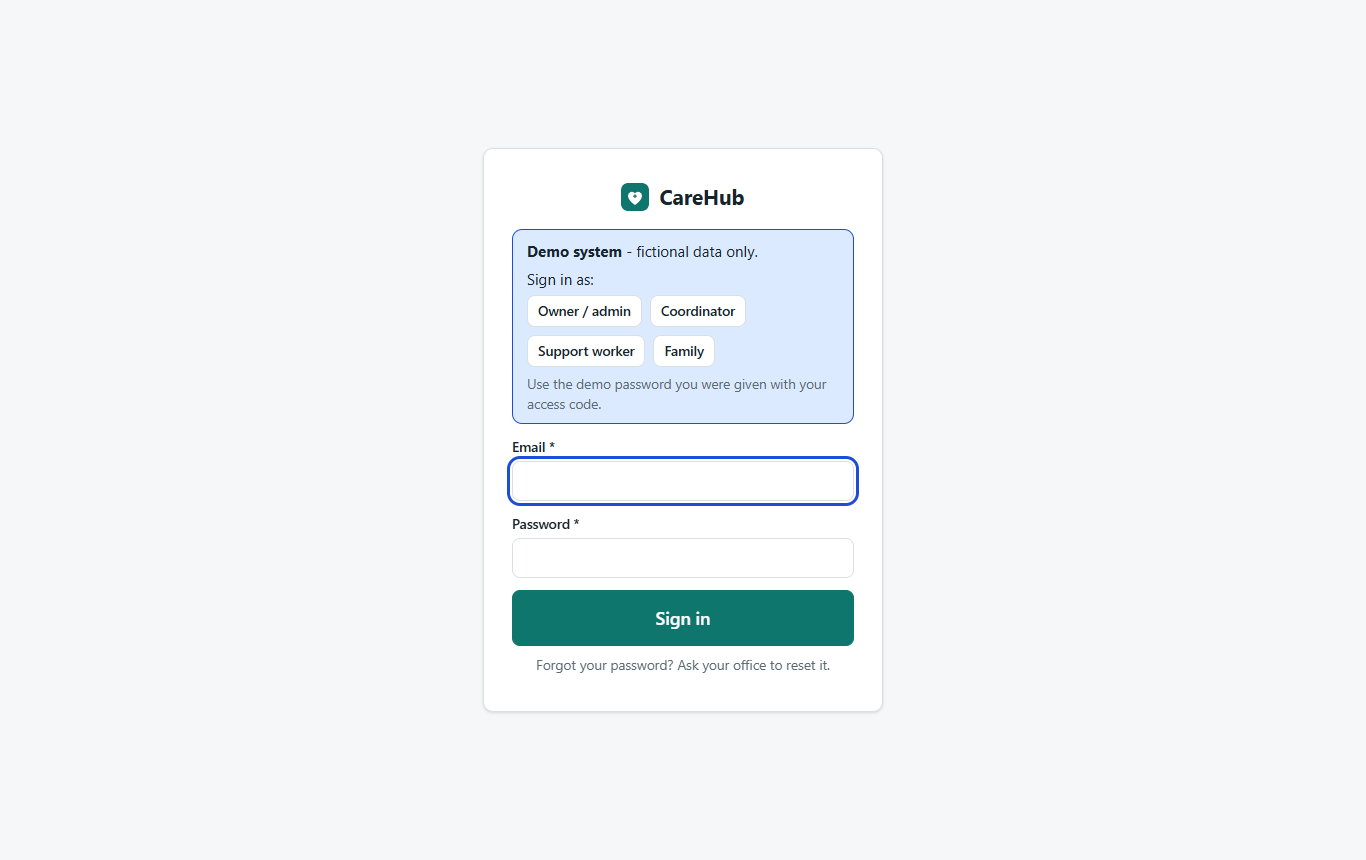
Pick owner, coordinator, support worker or family on the sign-in screen and enter the demo password.
A provider in the middle of a normal week
- Three participants: NDIA, plan and self managed, with plans and budgets
- Three support workers and a coordinator, with checks and availability
- This week's and next week's roster, including open shifts
- Last week's visits: invoices issued, two timesheets waiting for approval
- Incidents, one with an NDIS Commission deadline running
- A pay run, progress notes and a leave request
Everything is fictional. Please don't enter real participant information. Demo prices are examples, not current NDIS price limits.
Twenty minutes, six stops
Dashboard
As the owner: today's visits, missed clock-ins, deadlines, budget alerts.
Roster
As the coordinator: drag a shift, try booking a worker on leave.
Phone app
On your phone, as the support worker: clock in, note by voice, sign, clock out.
Timesheets & billing
As the owner: approve, generate invoices, download the bulk claim file.
Payroll & family
Check the pay run, then sign in as family to see their view.
Prefer a guided tour?
We'll walk your team through it over a video call and answer questions as we go.