
Invoices and pay runs from the visits that actually happened
Approved timesheets are the single source for both. The NDIS price and the award penalty are worked out from the same clock times, in your state's time zone.
The right item number and price, every time
- Catalogue pricing: import the official NDIS Support Catalogue; CareHub uses your state's price column.
- Time bands: weekday daytime, evening and night, Saturday, Sunday and public holidays are applied automatically.
- Short-notice cancellations billed with claim type CANC and the NDIS reason code.
- Transport: km travelled with the participant billed under your transport item.
- Held back, not guessed: a missing price, NDIS number or plan manager email keeps that participant out of the run, with the reason shown.
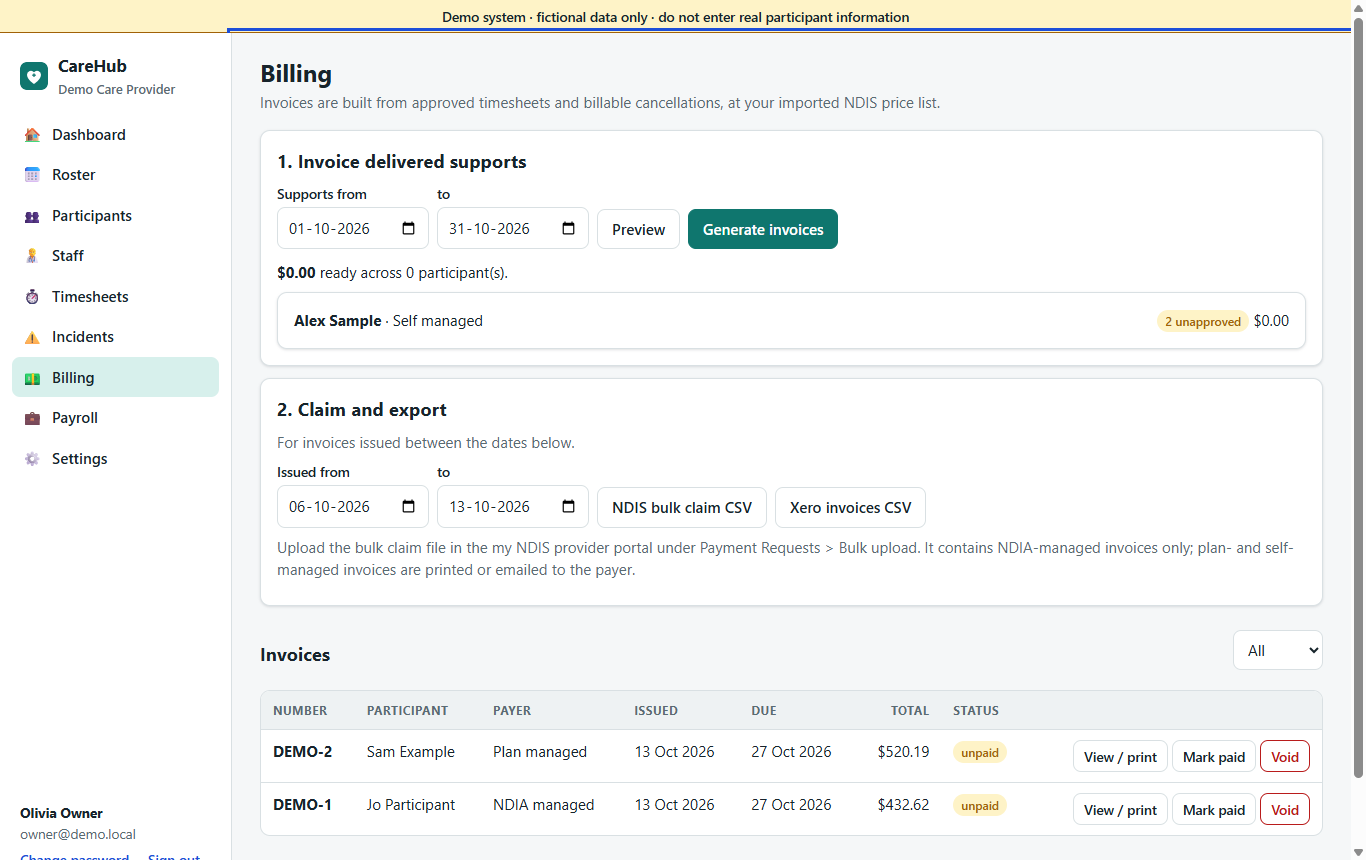
Three ways out, depending on who pays
NDIA-managed
One bulk claim file in the NDIA's upload format, ready for the my NDIS provider portal.
Plan-managed
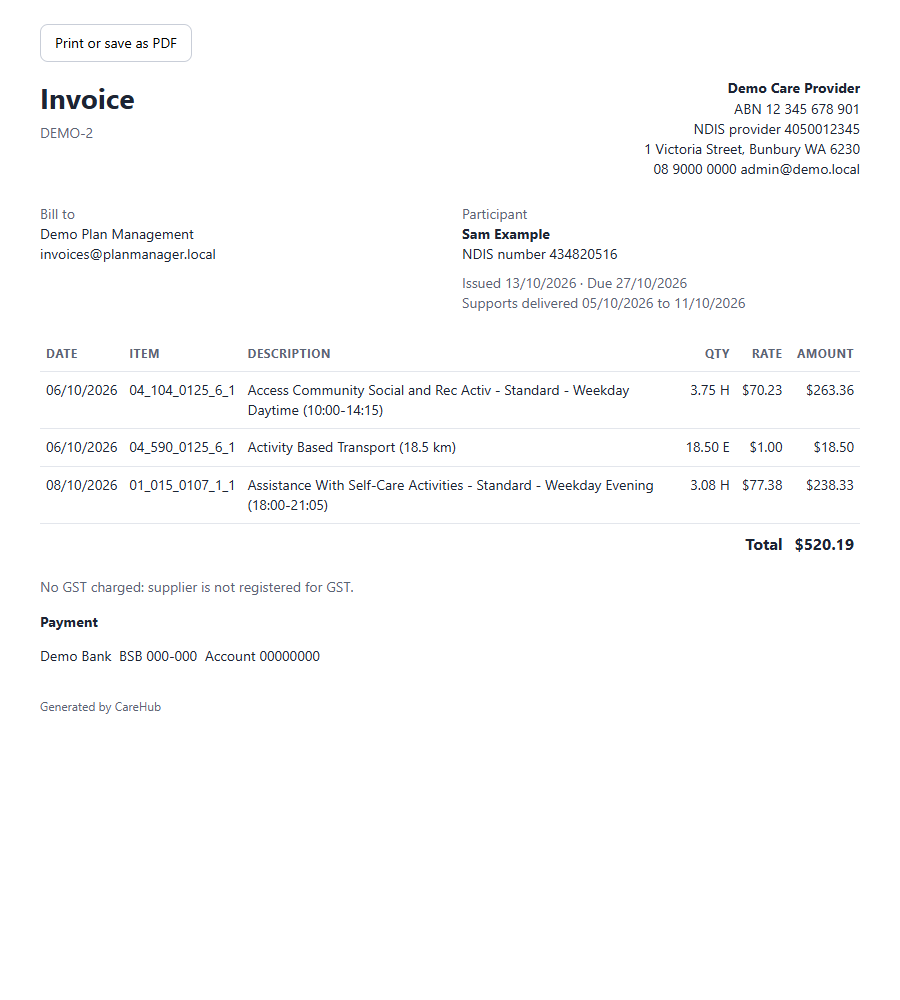
A clear, printable invoice addressed to the plan manager, with the participant's NDIS number and item lines. Save as PDF or send from Xero.
Self-managed & private
The same invoice addressed to the participant, and a Xero import file for your accounts.
Budgets that include what's rostered
Each participant's plan shows, per support category, what has been invoiced and what is already rostered but not yet billed, so you see an overspend coming weeks before it happens.
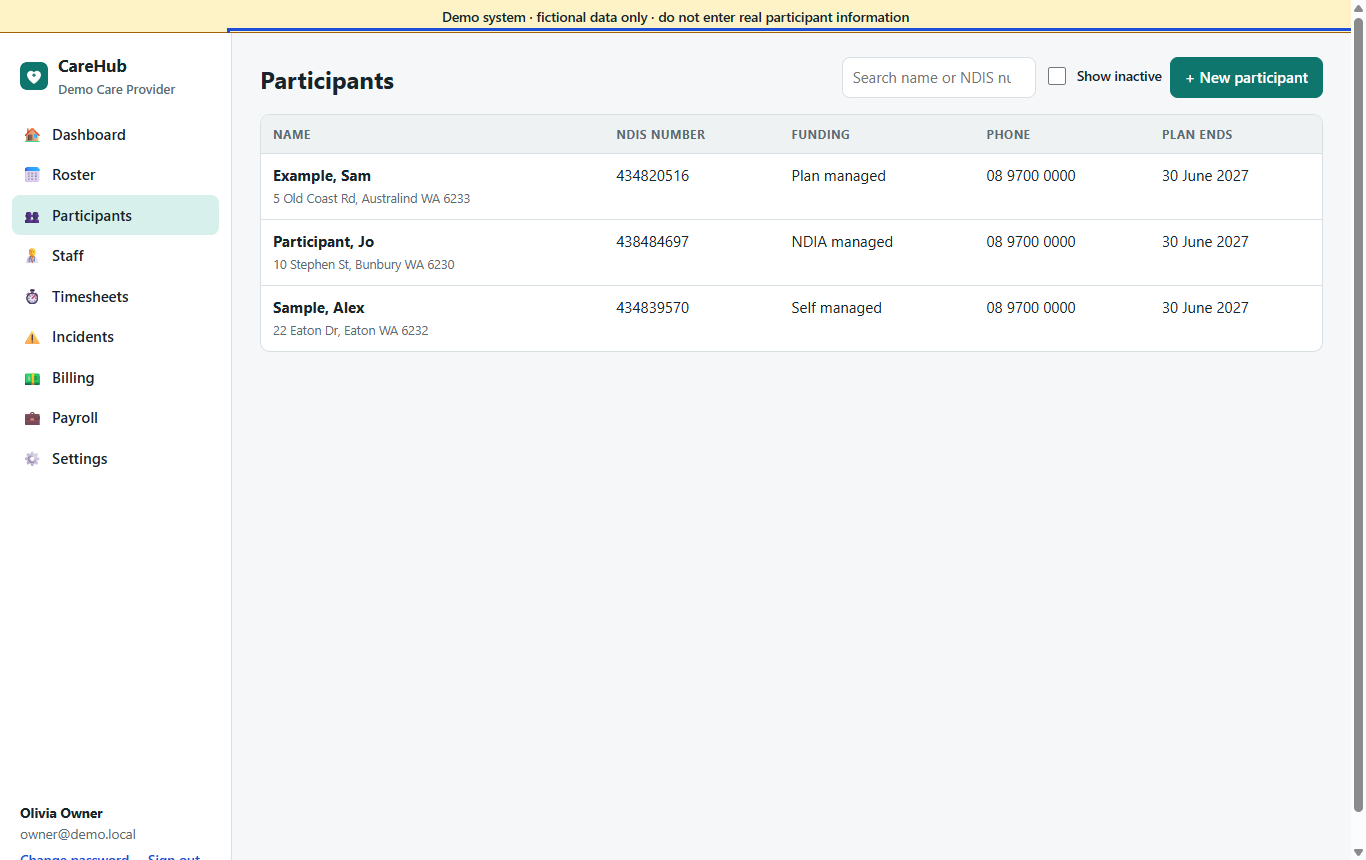
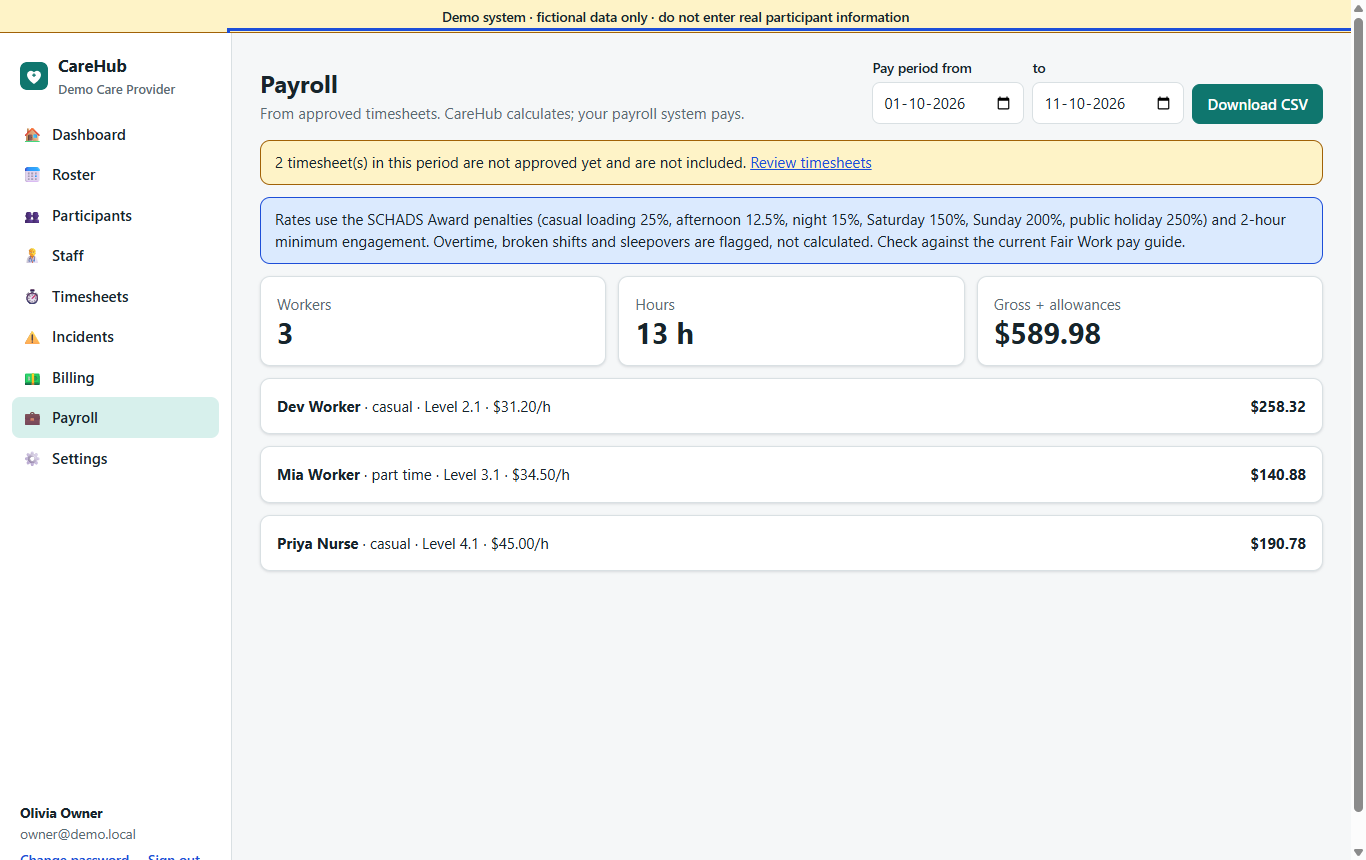
A pay run your payroll officer can check line by line
- Casual loading, afternoon and night shift loadings.
- Saturday, Sunday and public holiday penalties, split at midnight when a shift crosses days.
- Two-hour minimum engagement for casual and part-time staff.
- Vehicle allowance per km and expense reimbursements.
- Possible overtime (over 10 hours a day or 38 a week) is flagged for a person to check, not guessed.
- CSV export with every shift, category, multiplier and amount.
CareHub calculates and exports; your payroll system pays. Base rates are entered per worker from the current Fair Work pay guide, and multipliers can be adjusted if your enterprise agreement differs.
What billing and payroll don't do (yet)
| Not included today | What happens instead |
|---|---|
| Direct claim submission to the NDIA (API) | Upload the bulk claim file in the provider portal. Direct submission needs NDIA vendor approval and is on the roadmap. |
| Support at Home claiming | Visits are rostered, recorded and invoiced in CareHub; the claim is lodged in the government portal. |
| Paying wages | Export the pay run CSV to your payroll system. |
| Emailing invoices | Print or save as PDF, or import into Xero and send from there. |
See a full billing run
The demo includes last week's approved visits, invoices and a pay run.